

Book your meetings before you arrive
Browse who is going, open a profile and request 20 minutes with the people you want to meet. You walk in with a plan.
Step into a 3D venue as your own avatar. Catch the talks on the main stage, pull up a chair at a topic table and drop by the sponsor booths, all from your laptop or phone.
Pick a topic, take a seat and talk with the people at your table, cameras on.
You arrive in a venue, not a video call. The main stage, topic tables, private rooms and sponsor booths share one floor, so you can see where everyone is and head to where the conversation is.
Sessions stream live to the whole venue, and you can see who else is in the room while you listen.
Every table has a topic. Sit down where the subject interests you and talk the way you would over coffee at a conference.
Found the person you came for? Book a meeting and carry on one to one in a private video room.
Meet the team behind a product, try the demo, and leave your details only if you want them to follow up.
Same people, same event, two very different rooms. Switch between them and see what changes.
Line up your meetings before the event, make them count during it, and keep every contact afterwards.
Browse who is going, open a profile and request 20 minutes with the people you want to meet. You walk in with a plan.
Take a seat at a table on your topic. When a booked meeting starts, you move to a private room with that person.
Everyone you sat with or met is saved in My people, their profile one tap away, ready for your follow up.
Online, in person and hybrid events on Mingling. Pick one, join the lobby and walk in when the doors open.
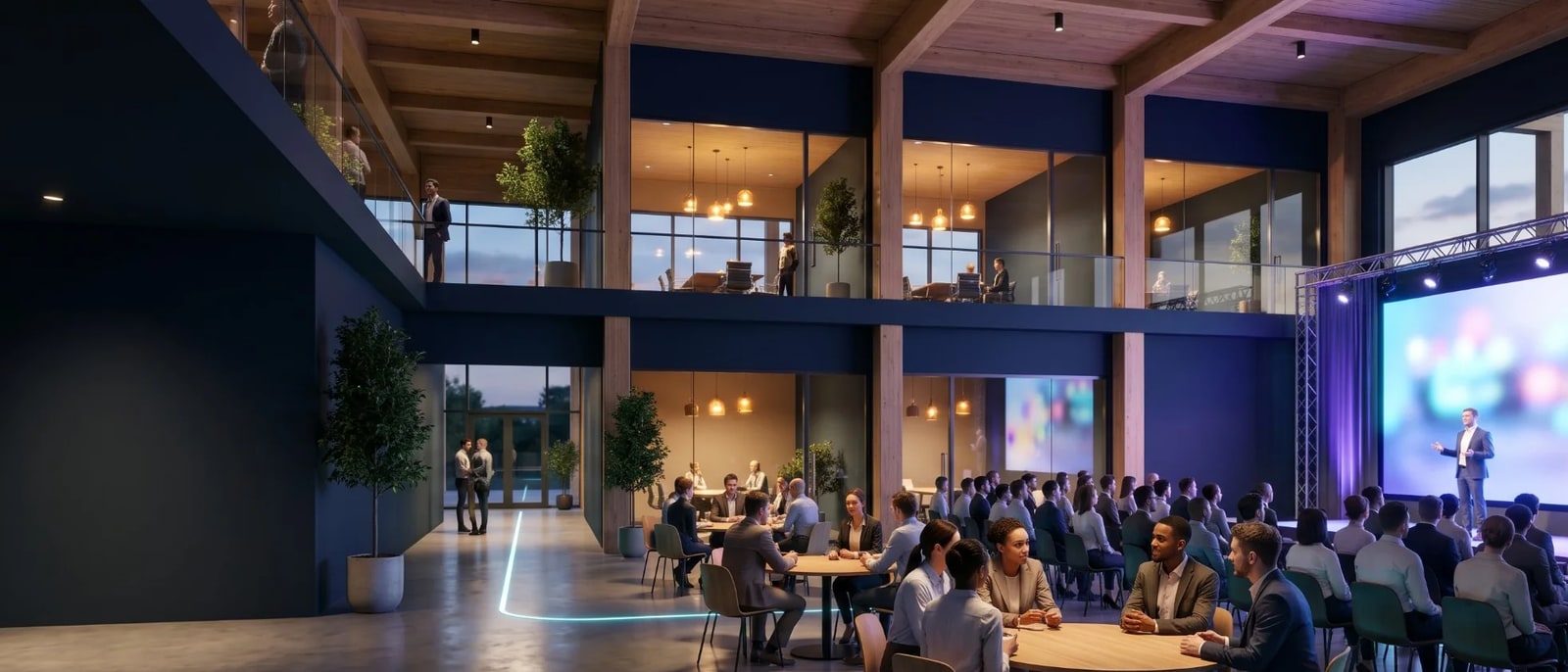
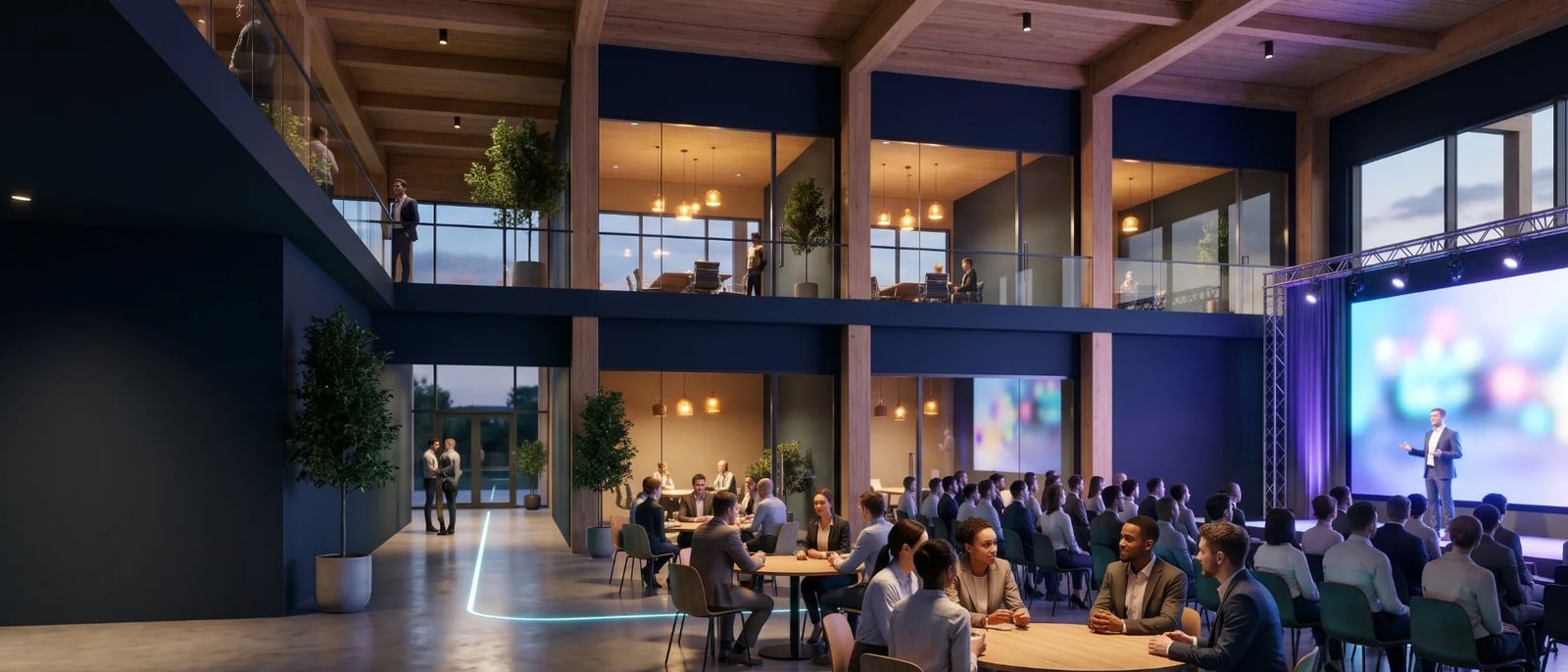
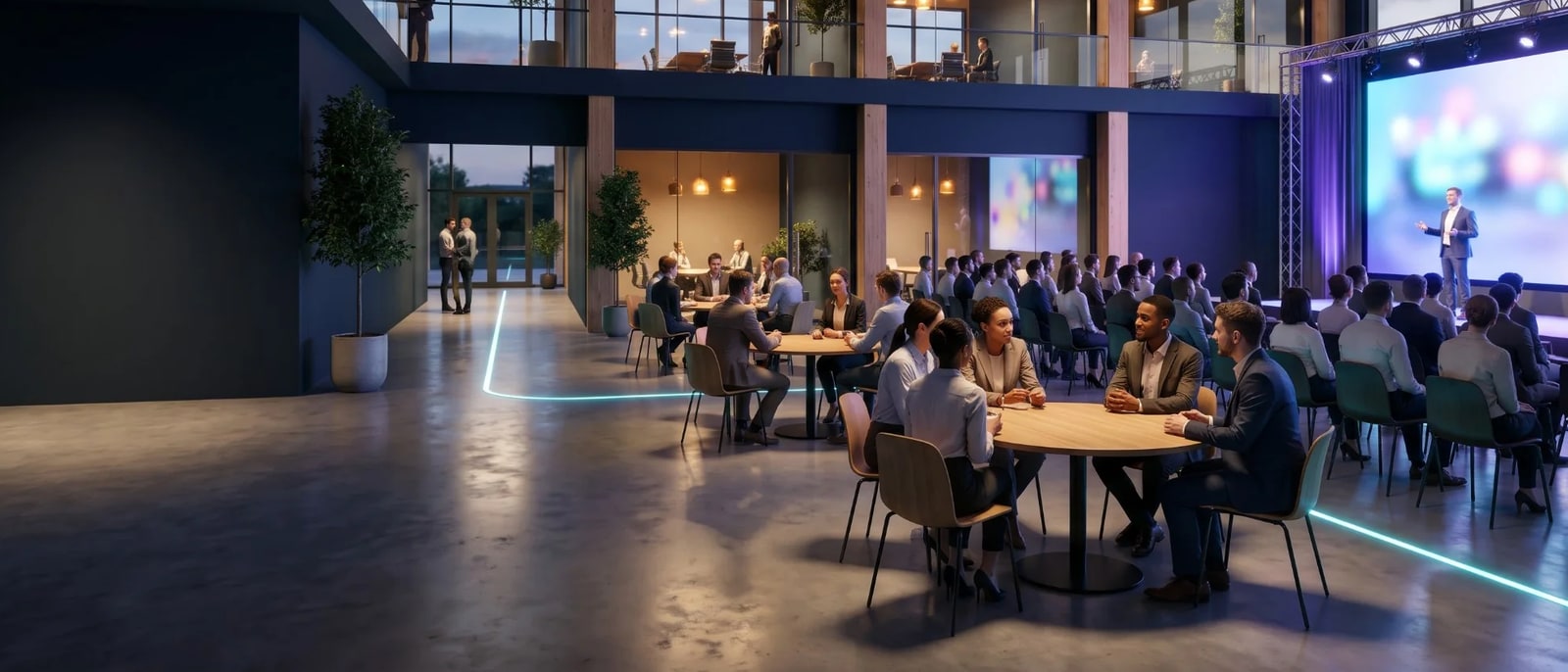

The Mingling lounge is open around the clock. Drop in at any hour to see which tables are running and who is at them. Anyone can watch. To join a table or open your own on any topic, create a free account.
Every venue comes with the main stage, tables and booth spaces in place. Choose one, name your tables and publish.
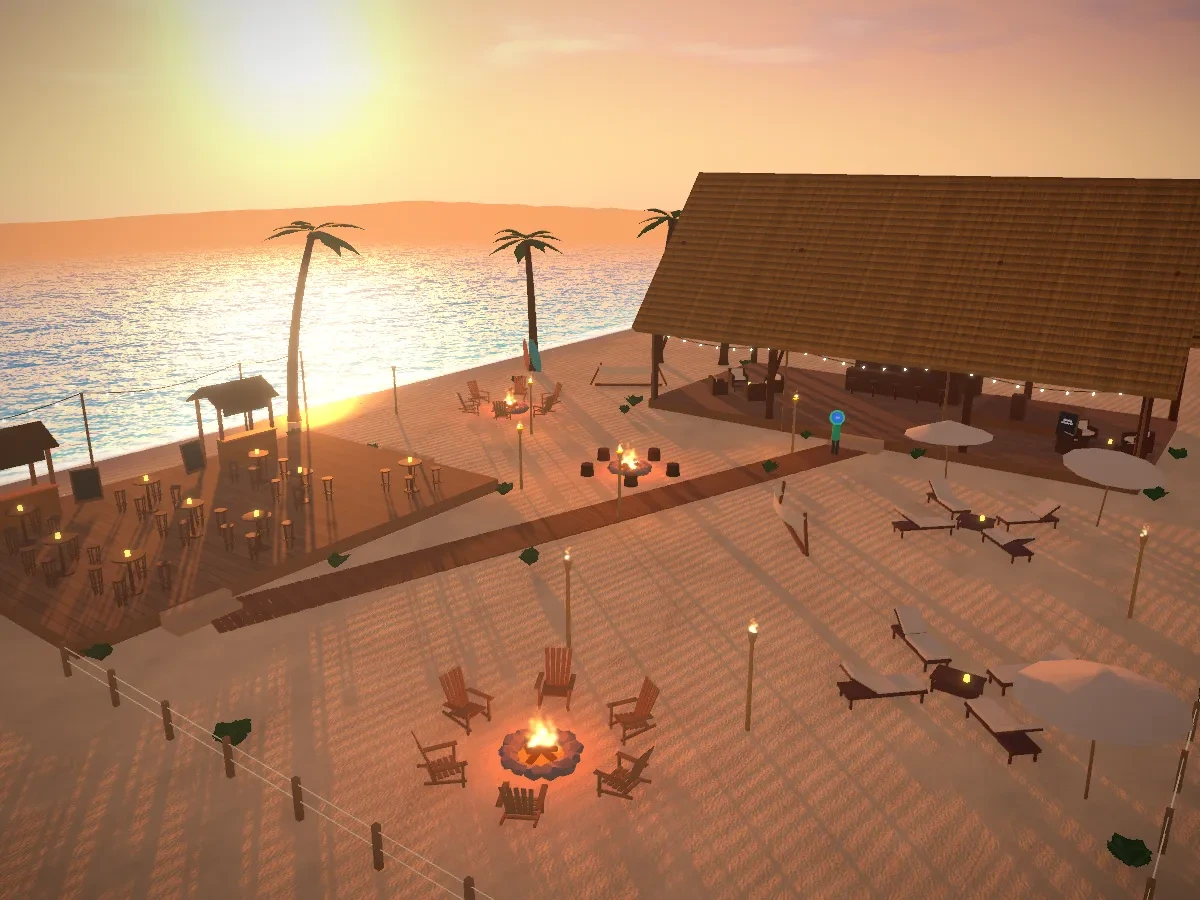
Fire pits, a beach bar and a sunset over the sea
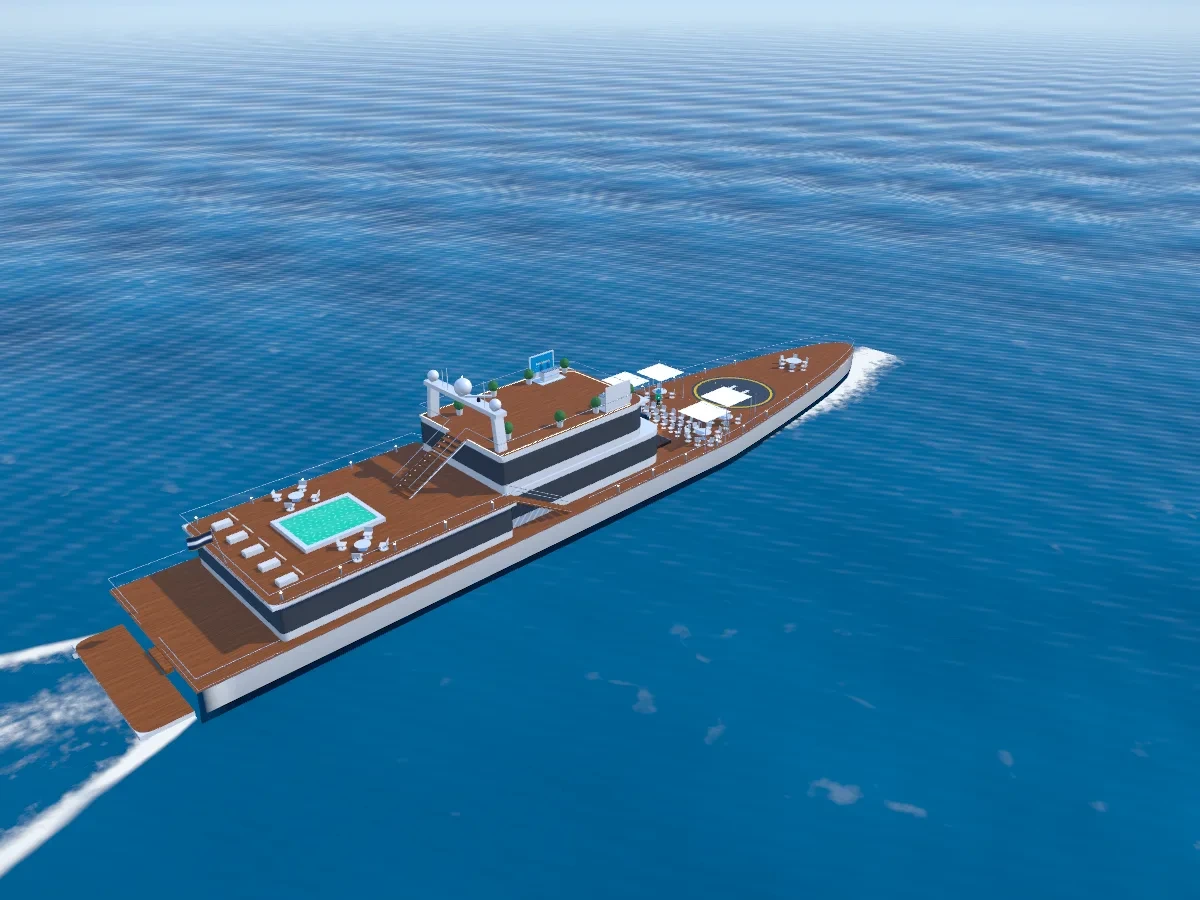
Three decks, a pool and open sea all around
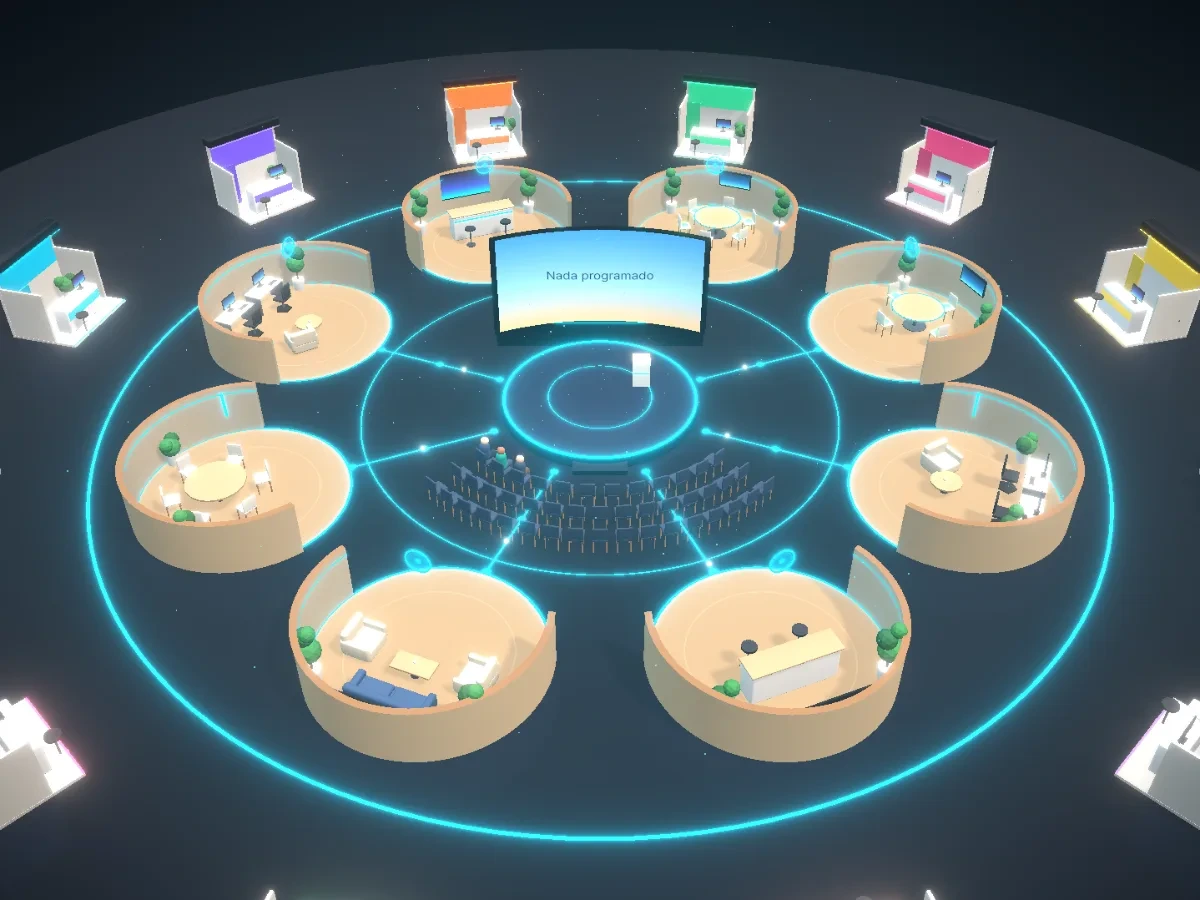
A centre stage ringed by networking pods
Organizers set up and run the whole event in one 3D venue. Sponsors meet attendees at their own booth on the same floor.
Claim a booth at a live event. Attendees walk up as avatars, talk to your team on camera and share their details in one tap.
A Mingling event is a networking event in a 3D venue that you join from your browser. You enter as an avatar, watch talks on the main stage, sit at topic tables to talk with your camera on, visit sponsor booths and book private meetings. Events run fully online, or hybrid, with guests in a physical venue joining the same floor.
You walk your avatar to a table on a topic you care about and sit down. Up to six people share a table, all on camera, so it feels like a conversation at a real event. To go deeper with someone, book a private one to one meeting in your own video room. Everyone you meet stays in your network afterwards.
In a webinar everyone watches one stream with cameras off, and the only voice you hear is the speaker. At a Mingling event the talks still happen on the main stage, but between them you sit at topic tables with cameras on, book one to one meetings and visit sponsor booths, so you leave with new contacts instead of only a recording.
A laptop or phone with a web browser and a camera. There is nothing to install: you open the event link, sign in with a free account and walk in as your avatar. Your camera comes on when you sit at a table or join a meeting, and you can follow the main stage and look around the lounge without talking.
Joining is free unless the host sells tickets, and if they do, the price is on the event page before you register. Once you are in, you can see who else is coming, follow the talks on the main stage and join the tables from your laptop or phone, with no travel. Each host picks their own 3D venue, so the stage, tables and booths vary by event.
Yes. The lounge is open 24/7 and anyone can watch without signing up: you see the tables, their topics and who is sitting at them. With a free account, which takes about a minute, you can sit at any table or open your own on a topic you choose. Tables cover topics like Payments, AI agents and Fundraising, so there is a conversation to join at any hour.
Anyone can host an event on Mingling, from a freelancer running a small workshop to a startup launching a product or a company running a large conference. Every host gets the same 3D venues, main stage, tables, sponsor booths and networking tools, so you can bring people together around your product or community without booking a hall, printing badges or flying anyone in.
A sponsor claims a booth at a live event and sets it up from the organizer's invite link, with their brand, a video and their team. Attendees walk up to the booth as avatars, talk to the team on camera and can share their details in one tap. The sponsor sees how many people visited the booth and who left their details.
Walk the venue, pull up a chair and start talking. Join an event tonight, or host your own.